Your favorite notebook
just went digital.

Coming soon to the App Store
Can’t believe it’s not paper.
Field Duo is designed to respect the timeless art and personality of pocket notebooks. It's as simple to use as a paper notebook, while adding intelligent tools to make you more productive.
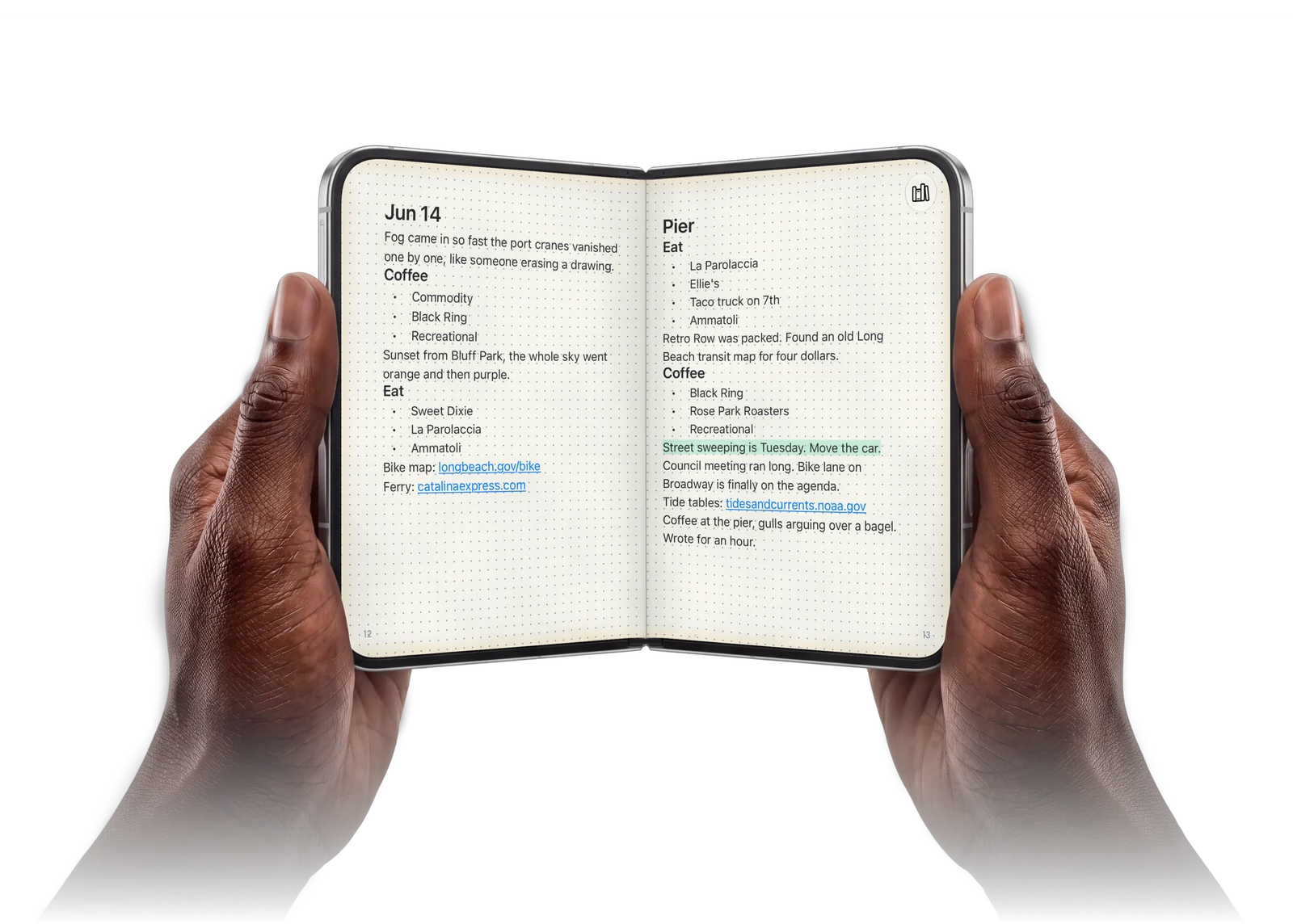
One pocket.
Infinite notebooks.
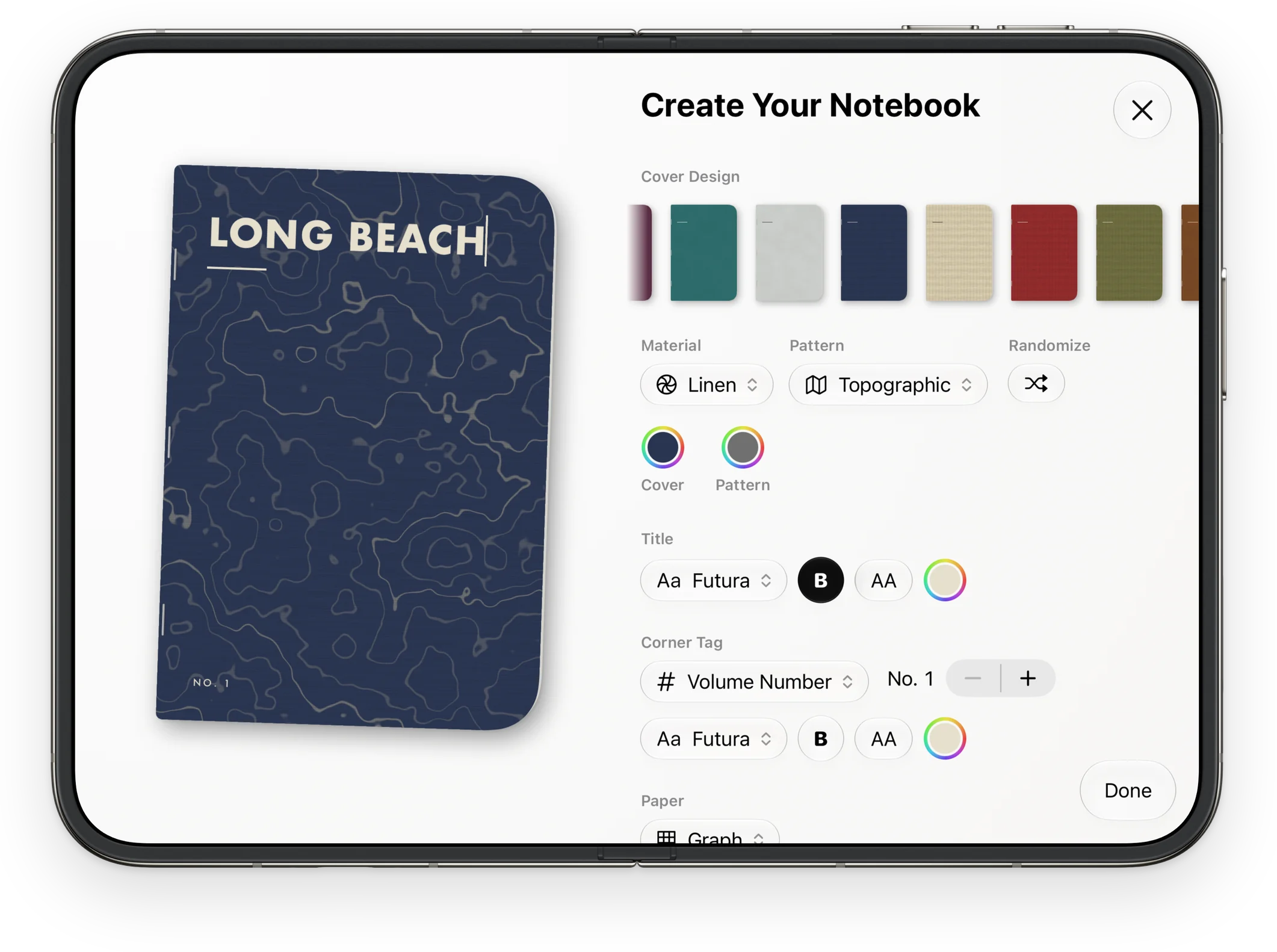
Design a notebook that’s truly yours.
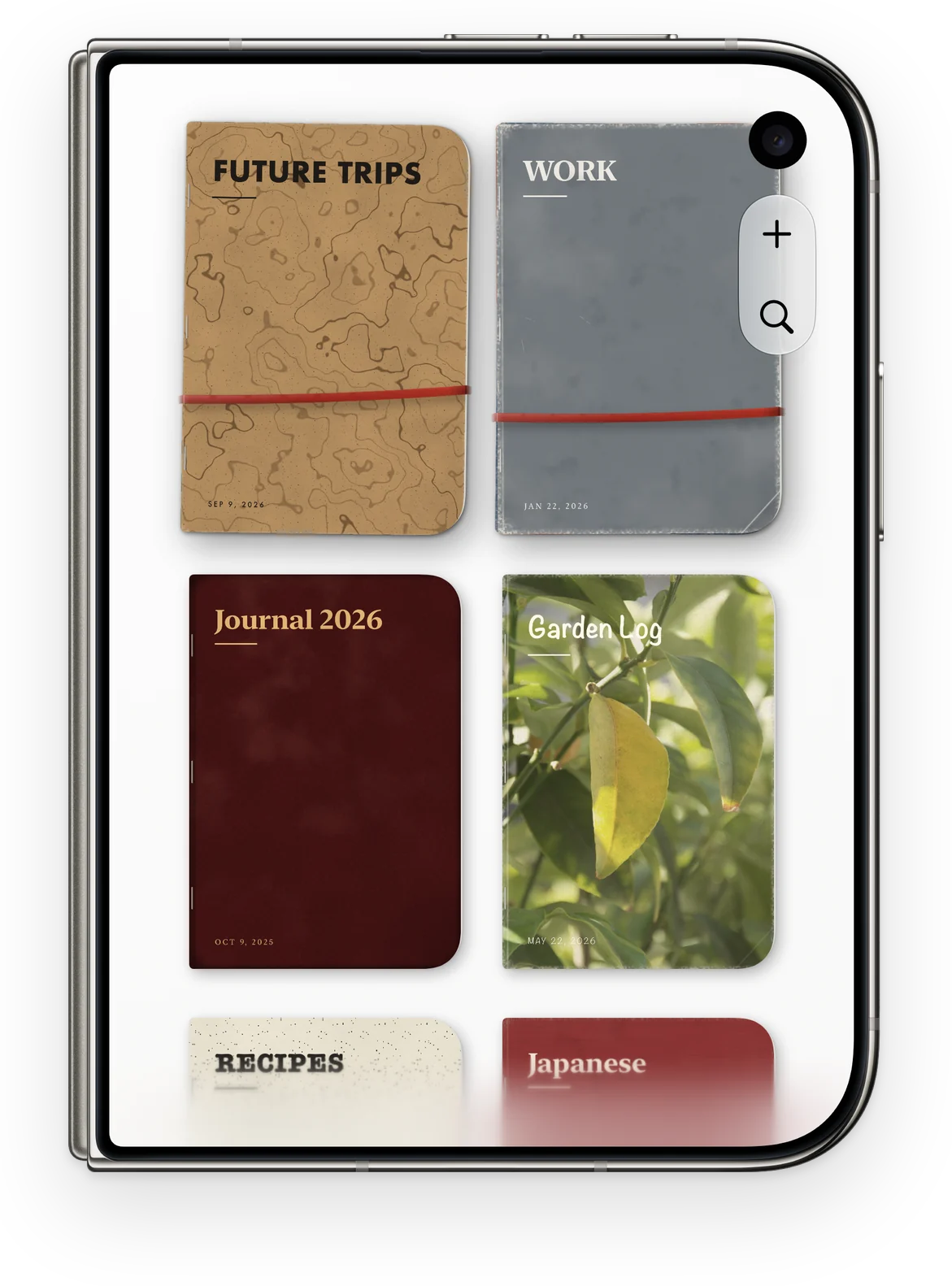
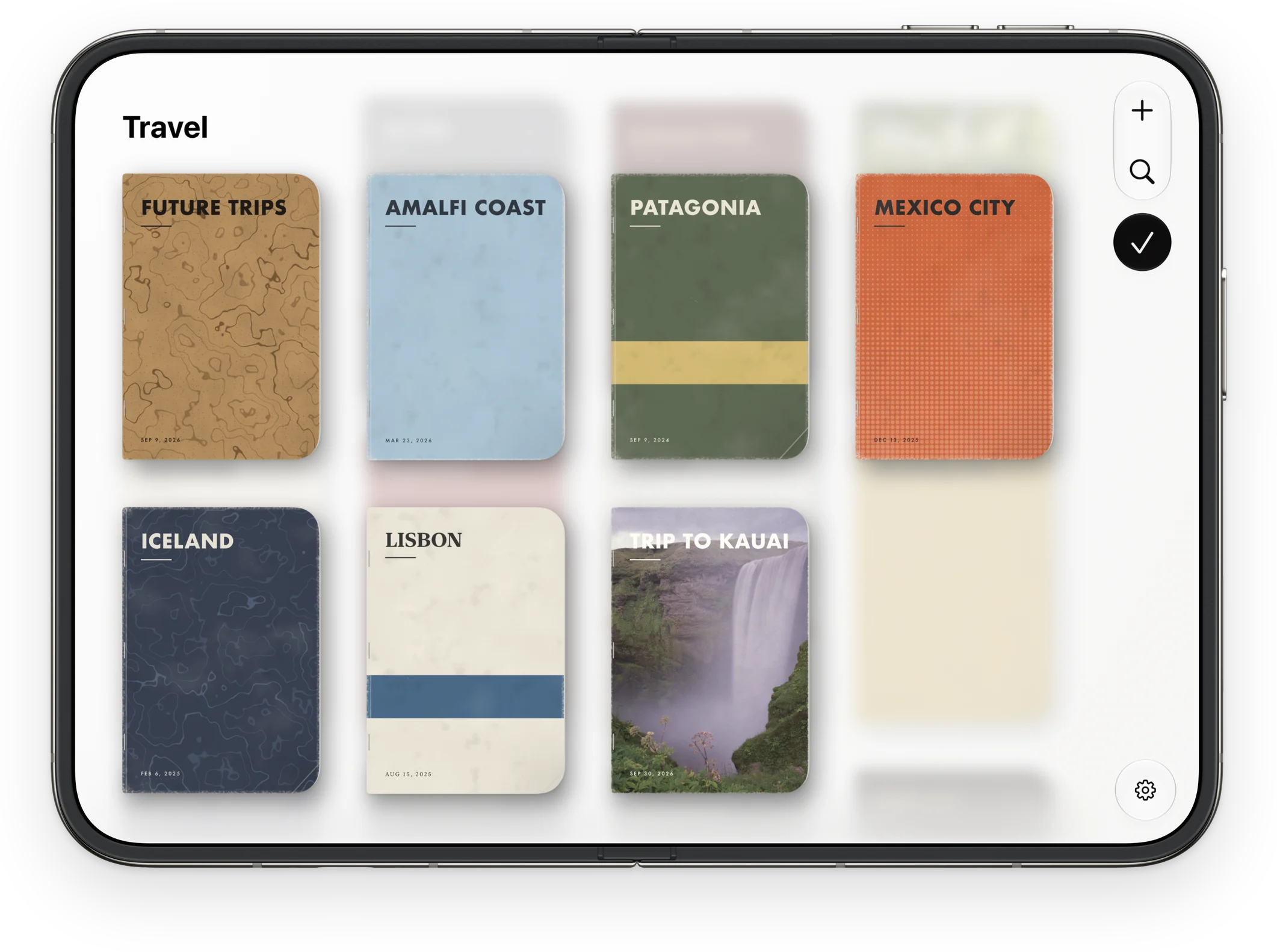
Each notebook only has 48 pages, inspiring you to use them wisely. Group them together in stacks and grow your collection over time.
Design any notebook you can imagine.
Group notebooks to create collections.
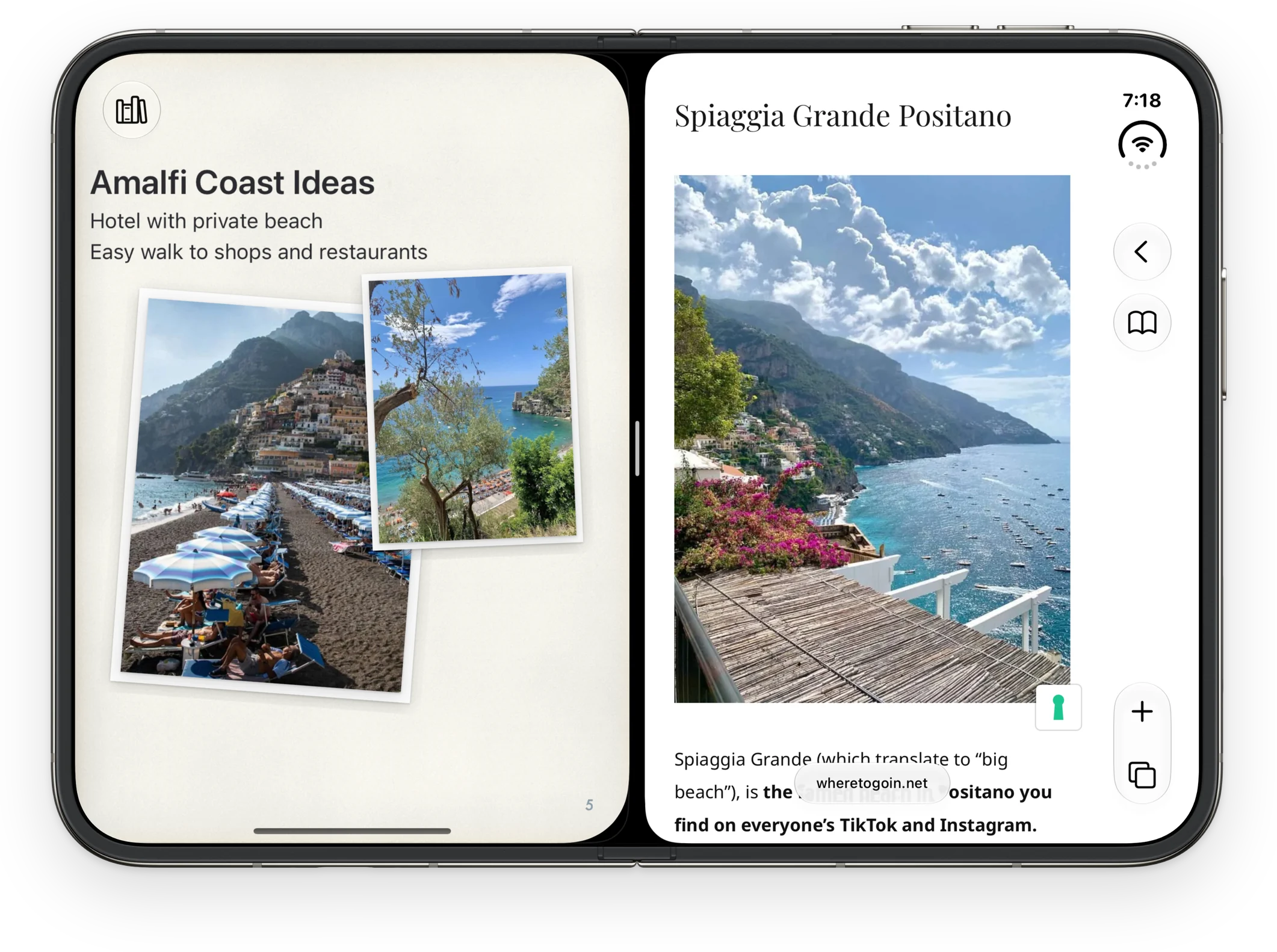
Use alongside other apps with full drag-and-drop support.
Wear it in.
Notebooks age over time based on their material and how often you use them. No two notebooks age the same, making them even more personal.
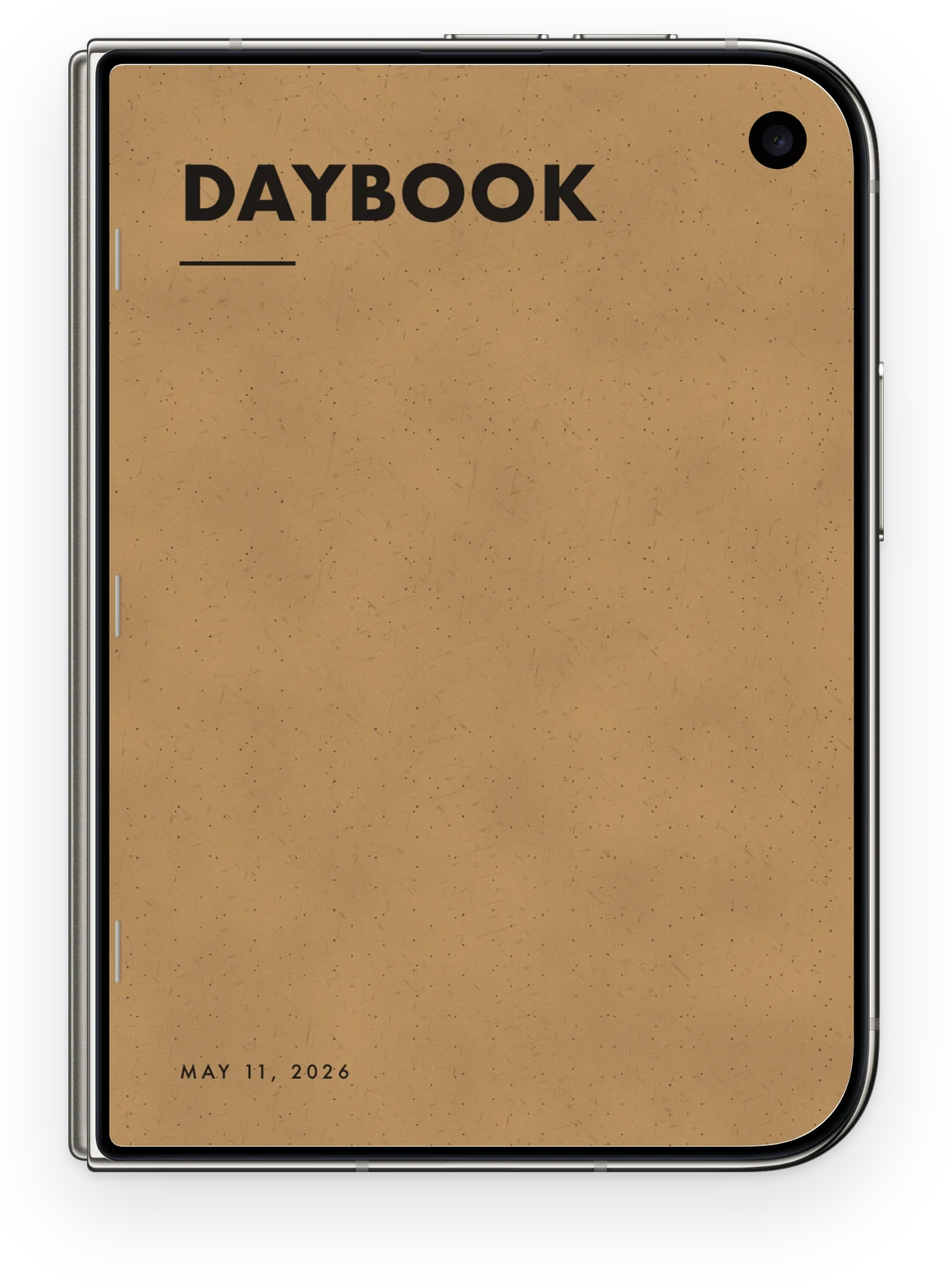
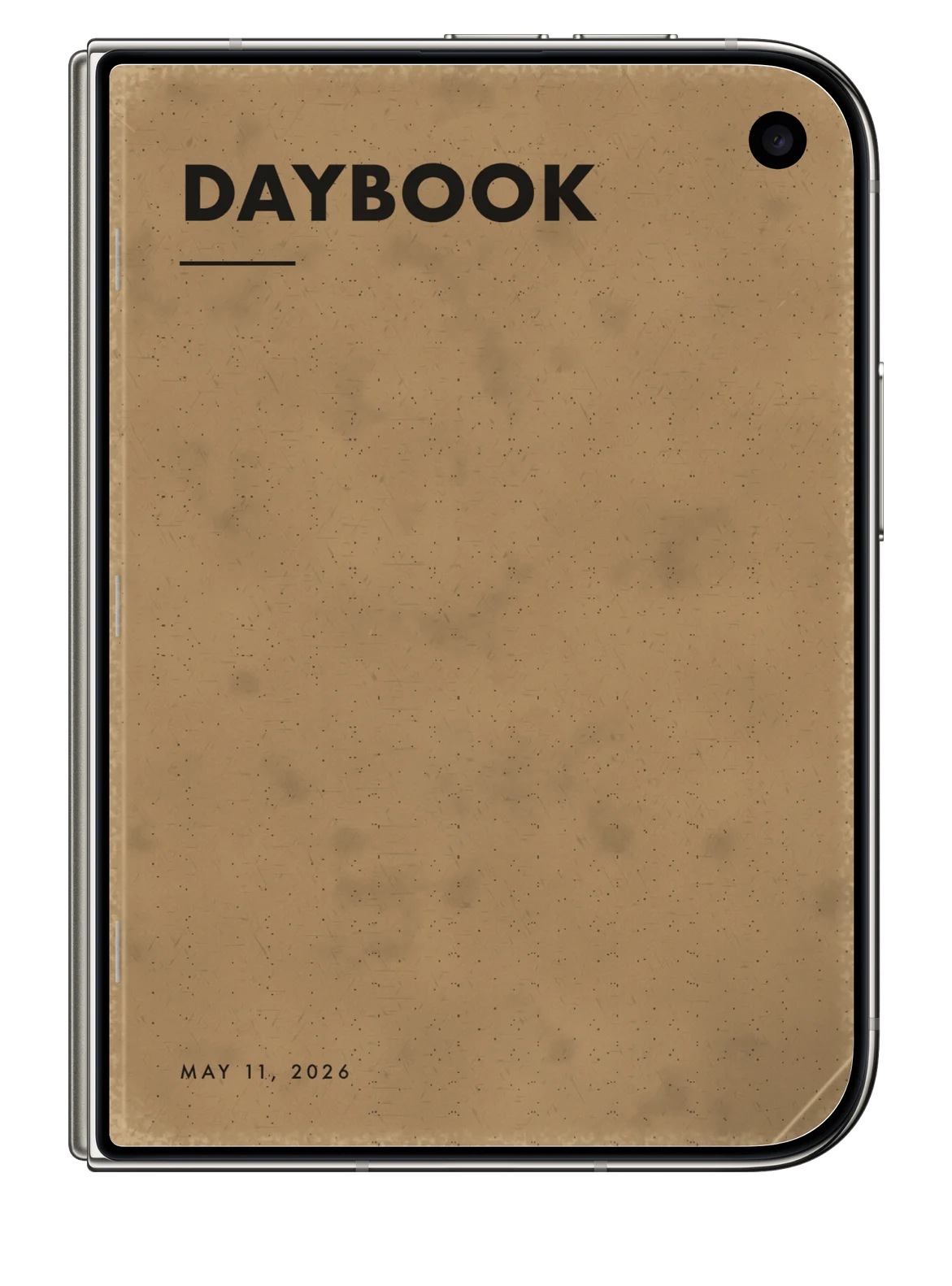
Kraft
Physical Notebook. Digital Superpowers.
Intelligence
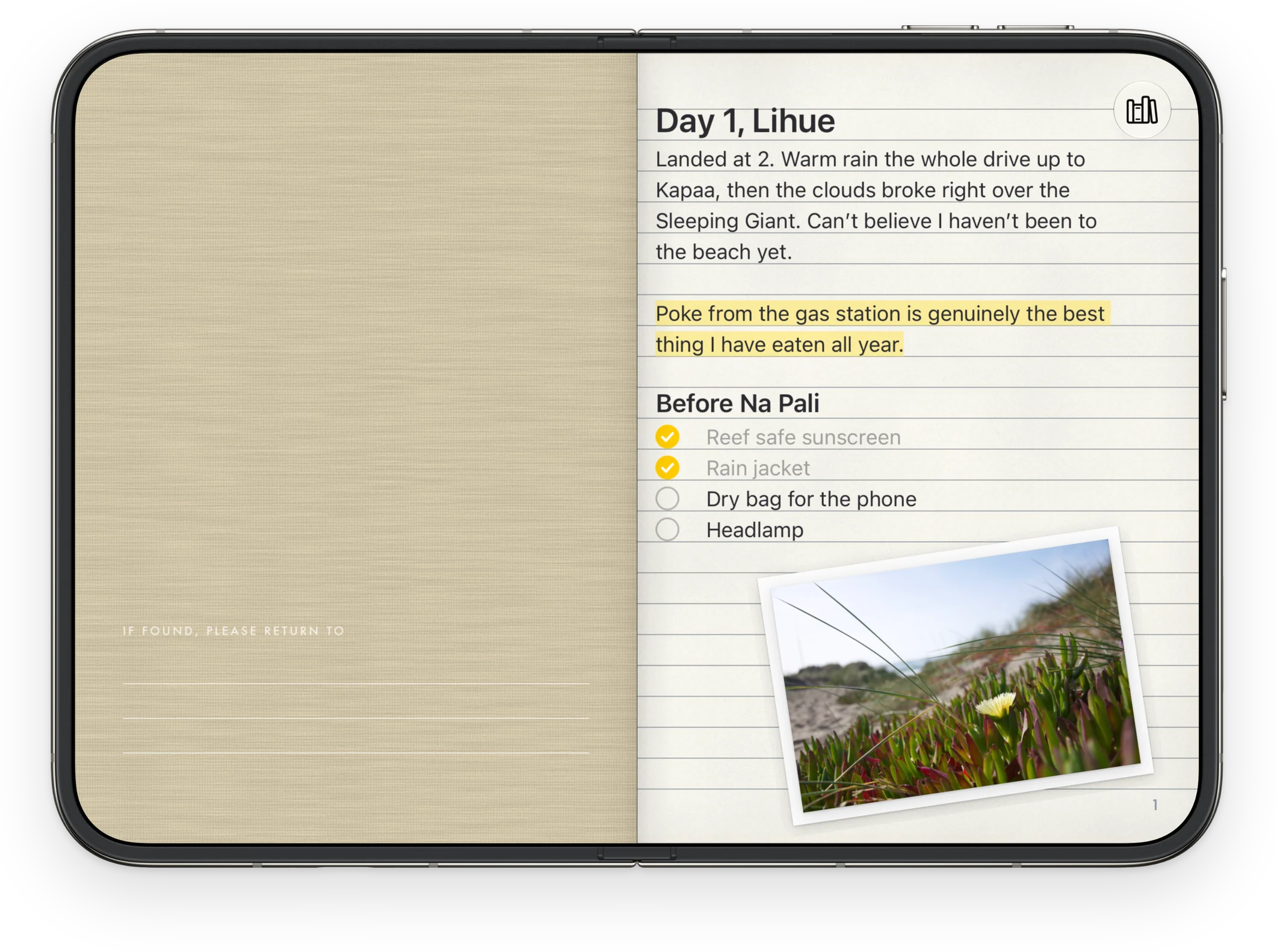
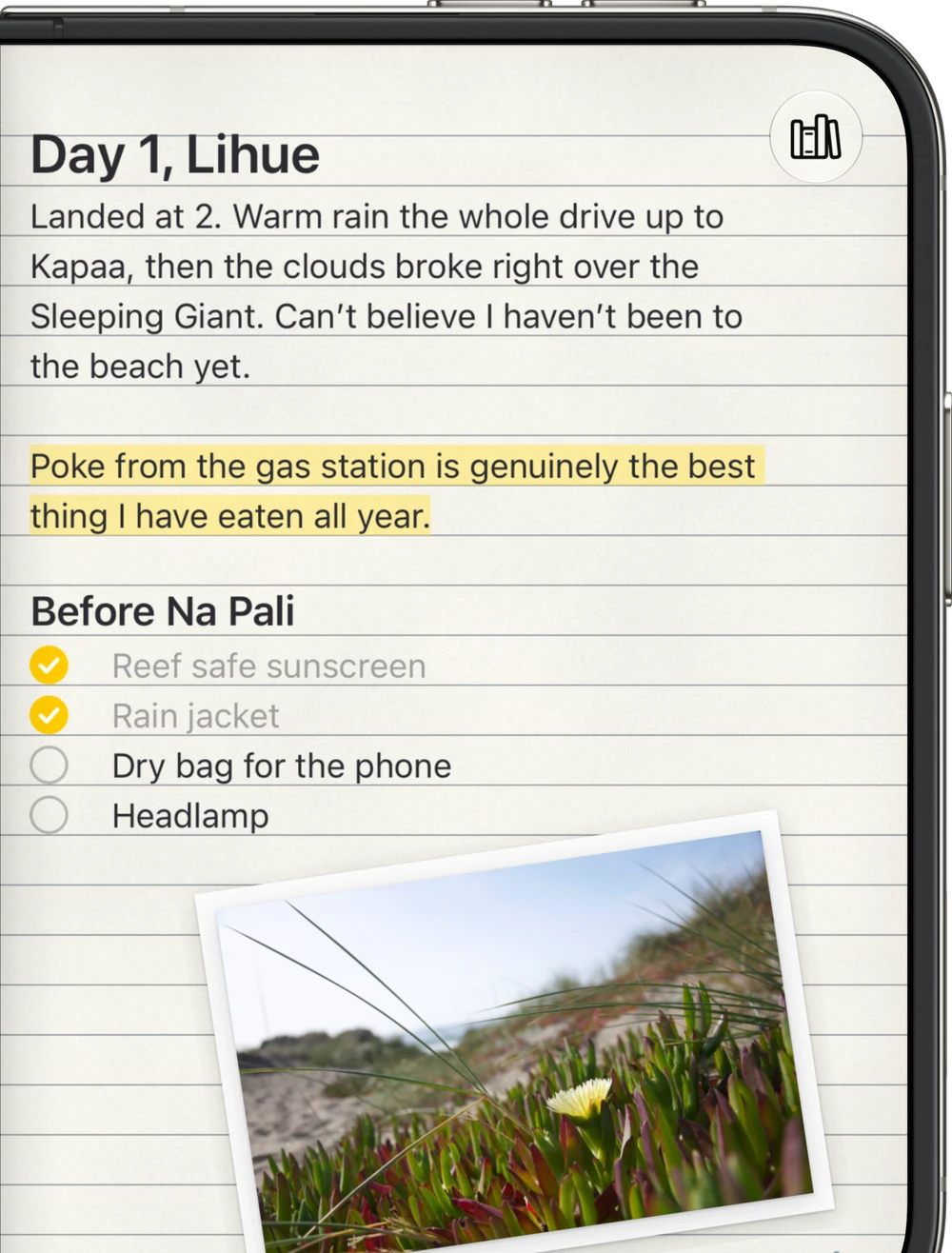
Field Duo supports rich formatting to help you stay organized.
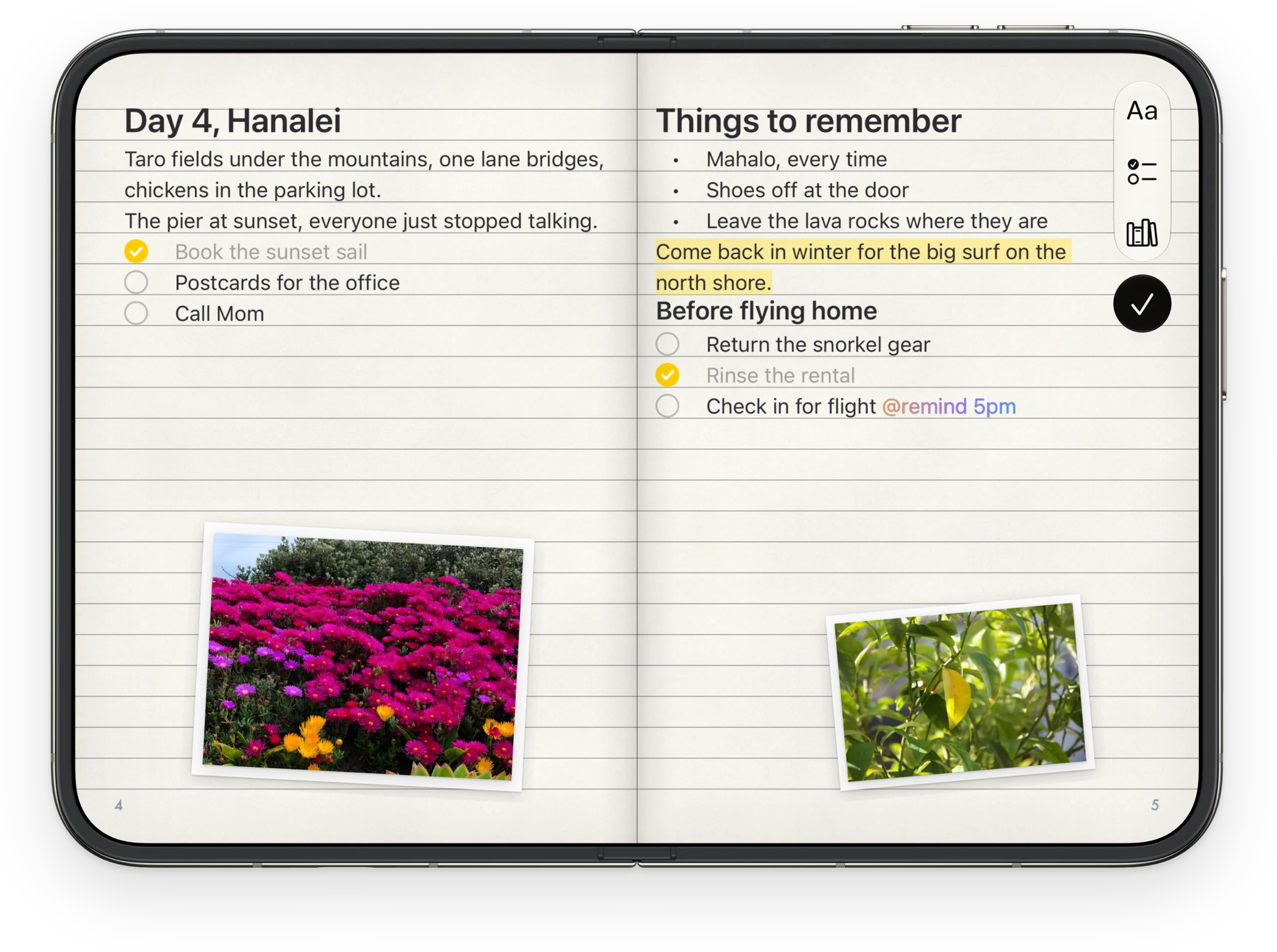
Create real reminders with natural language right in your notes.
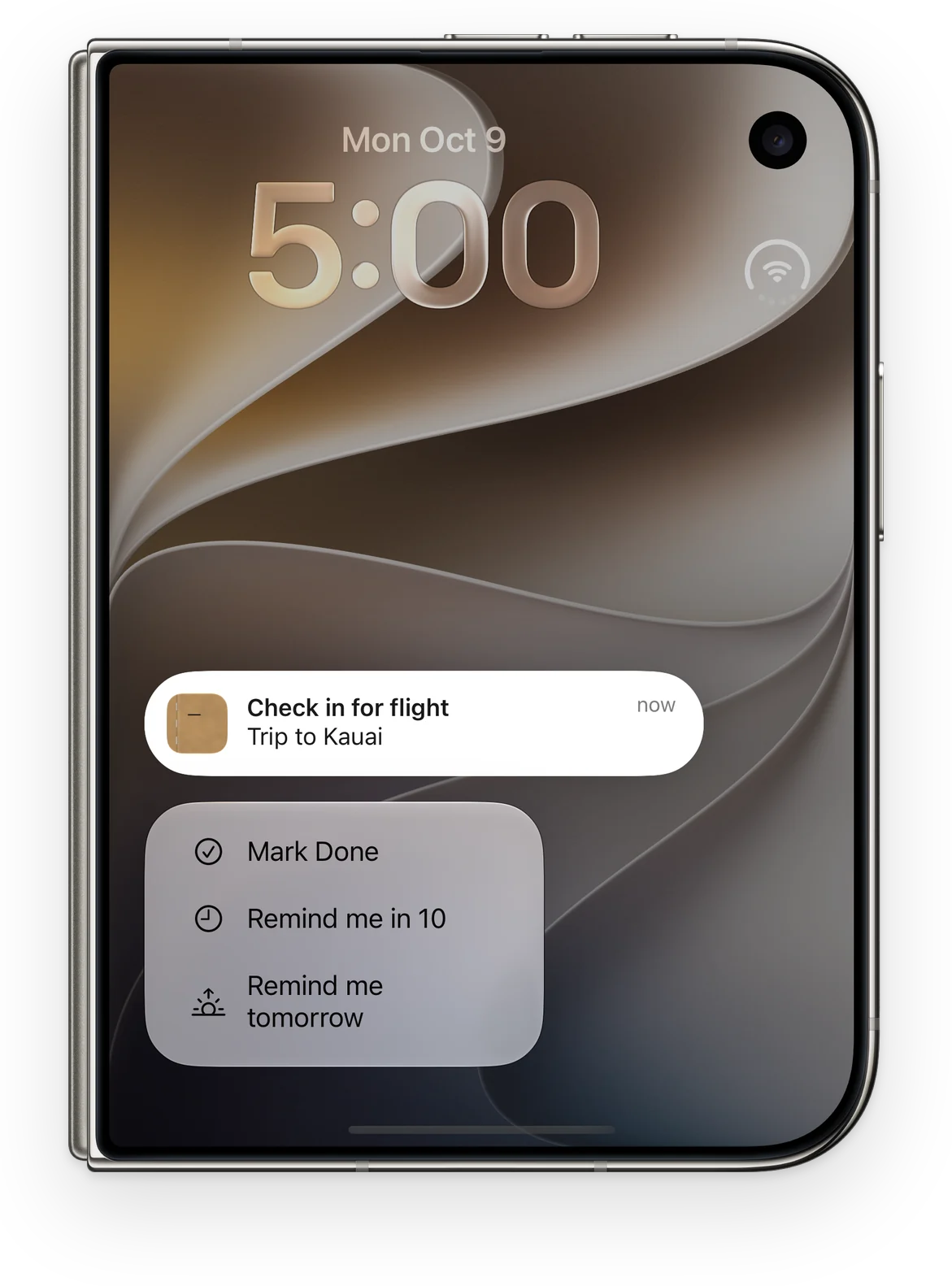
Reminders work like you expect. Snooze, dismiss, or mark them complete right from your lockscreen.
-
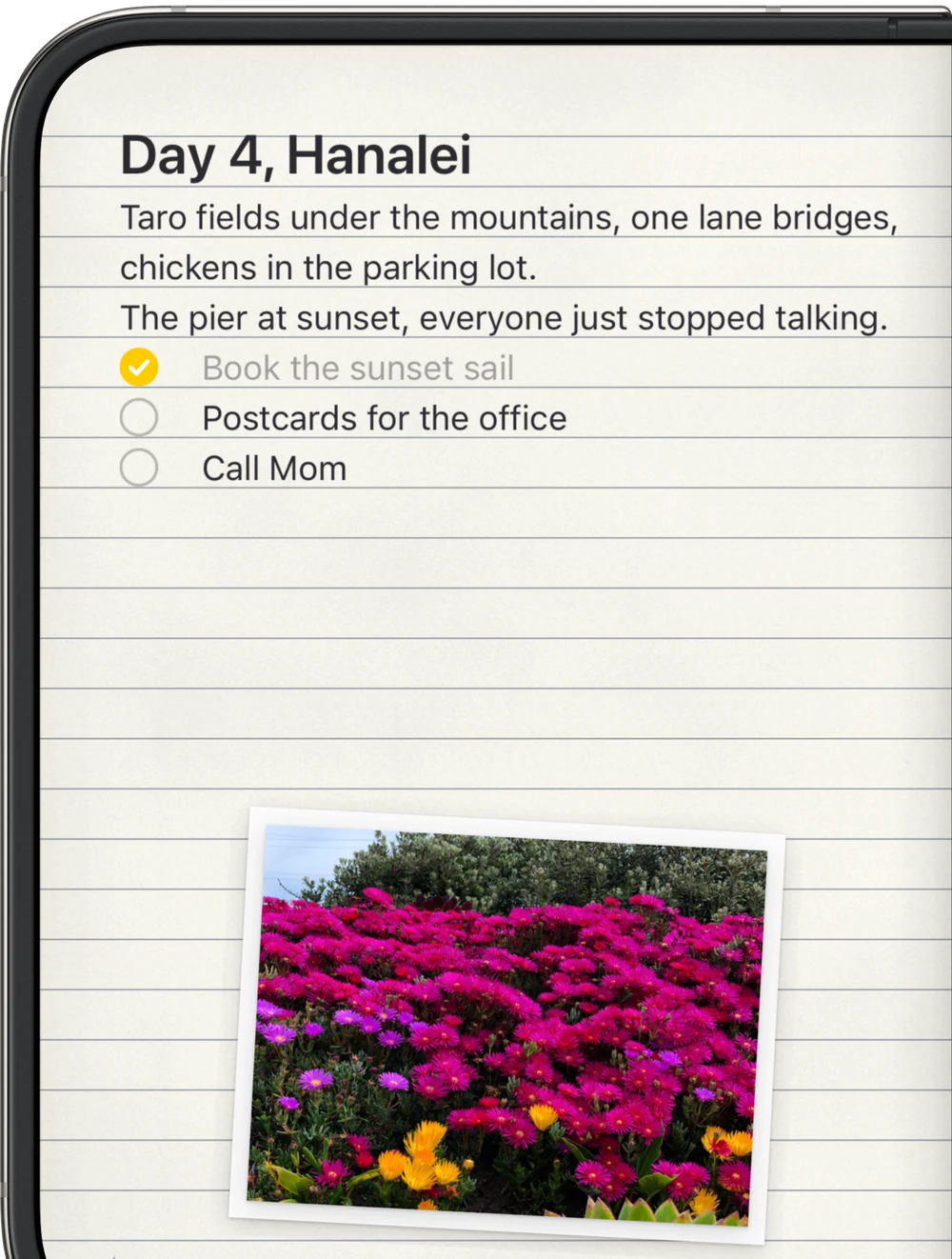
Field Duo supports rich formatting to help you stay organized.
-
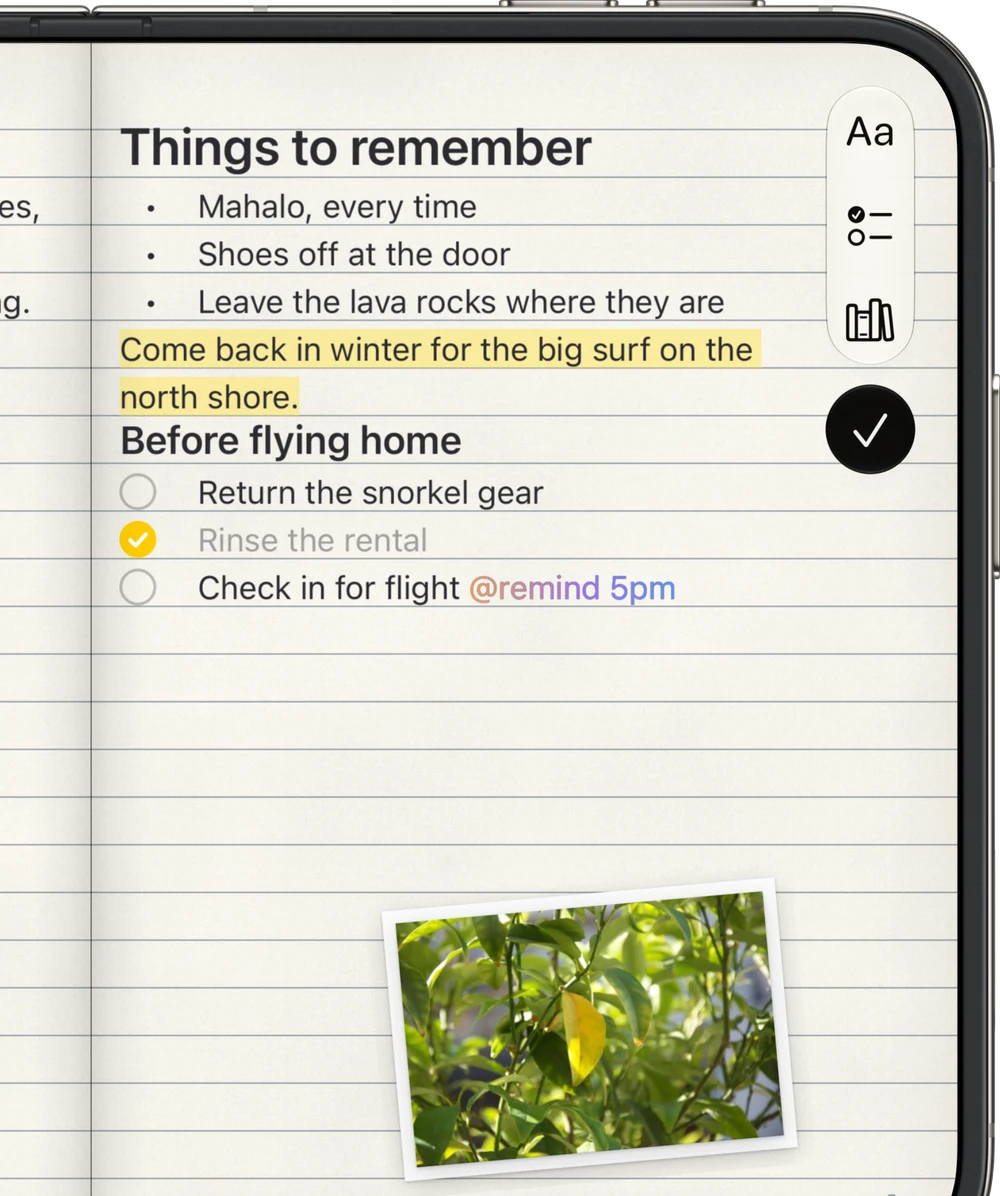
Create real reminders with natural language right in your notes.
-
Reminders work like you expect. Snooze, dismiss, or mark them complete right from your lockscreen.
Snooze, dismiss, or mark them complete right from your lockscreen.
Privacy
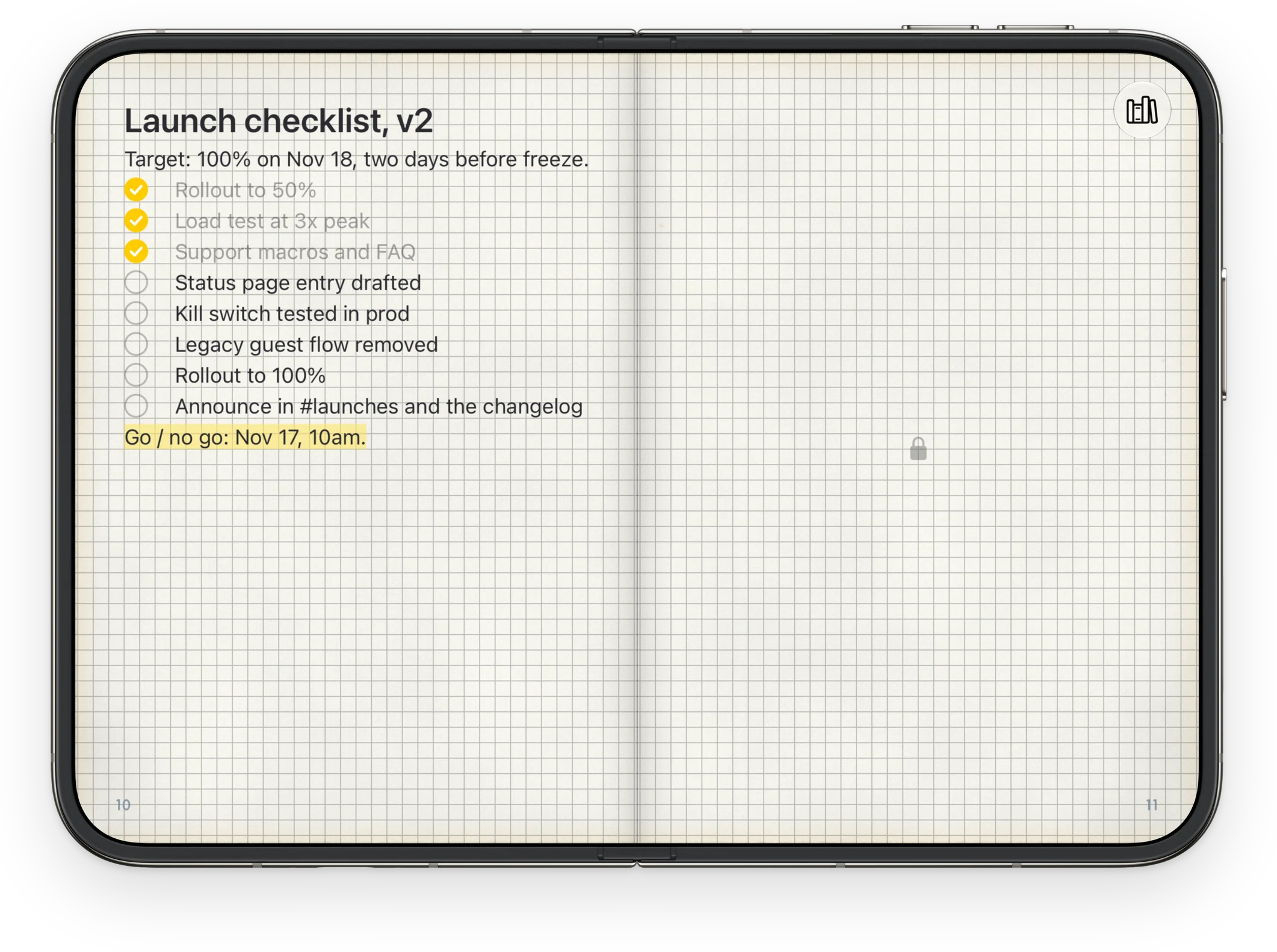
Hide specific pages within a notebook.
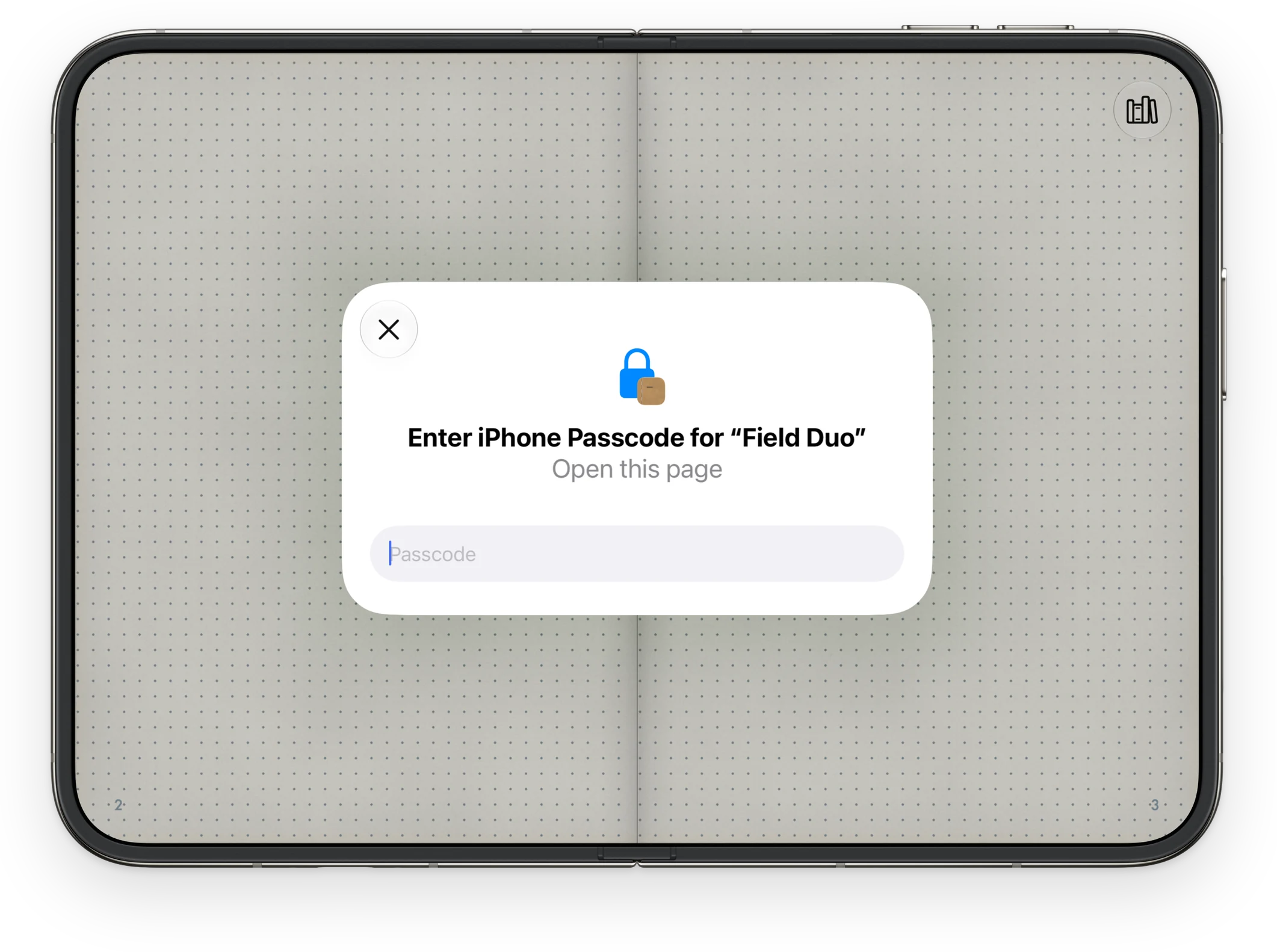
Or lock an entire notebook behind TouchID.
-
Hide specific pages within a notebook.
-
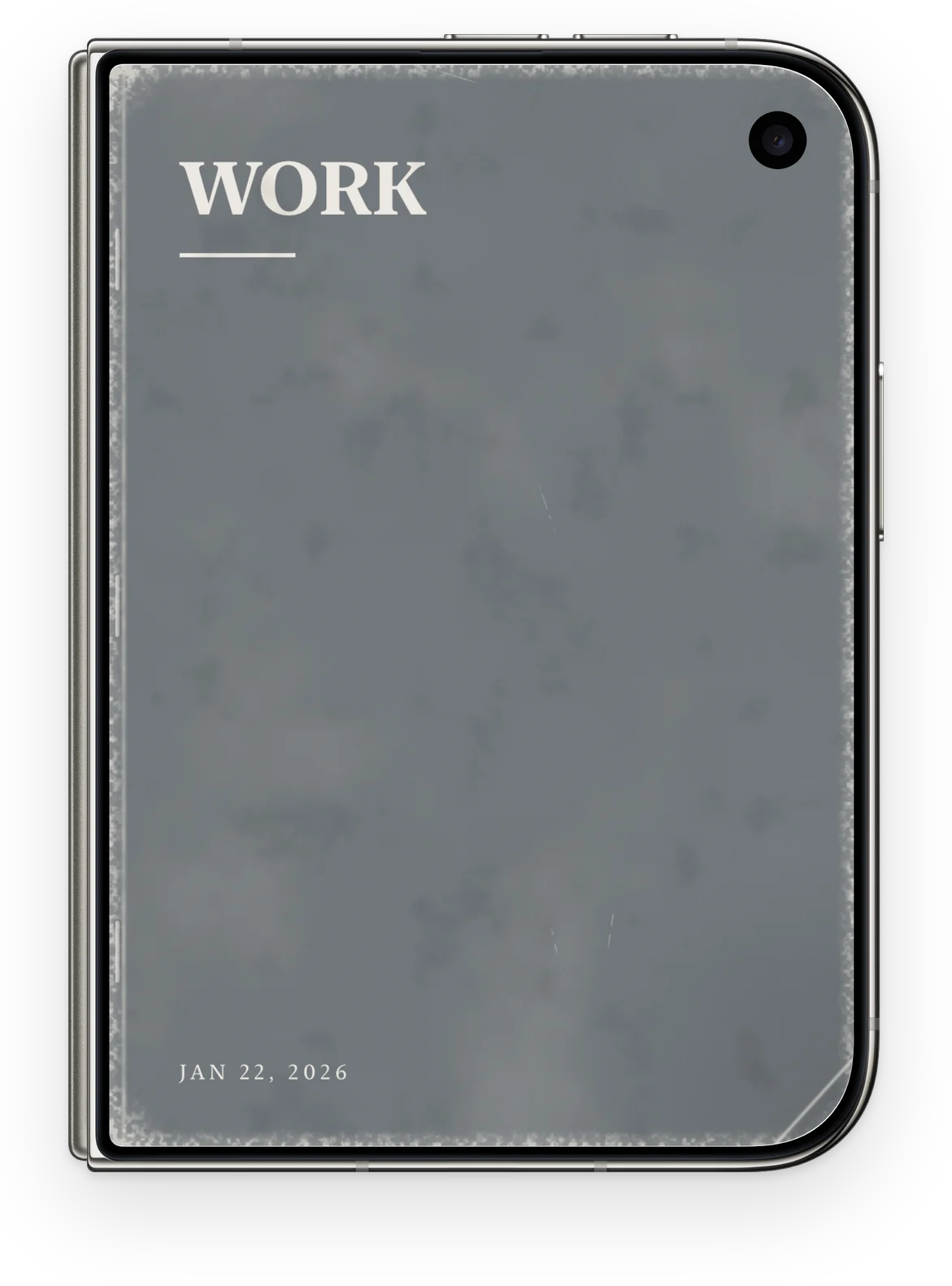
Or lock an entire notebook behind TouchID.
Search
Your library is fully searchable. Tap the notebook you want and open your Duo.
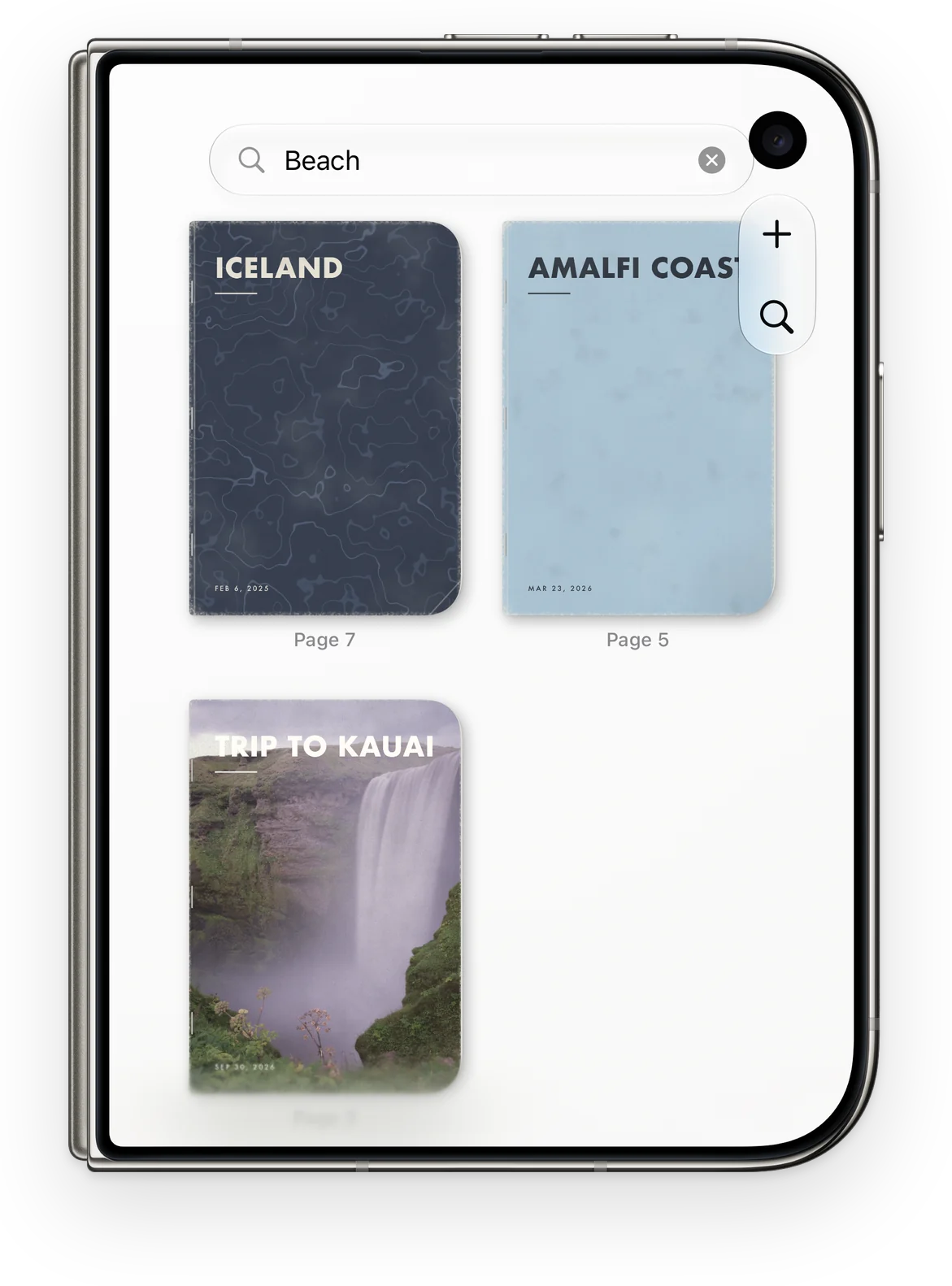
Instantly navigate to the page you're looking for.
-
Your library is fully searchable. Tap the notebook you want and open your Duo.
-
Instantly navigate to the page you're looking for.